Real or Artificial? 7 Tools to Investigate What We See Online

- Published
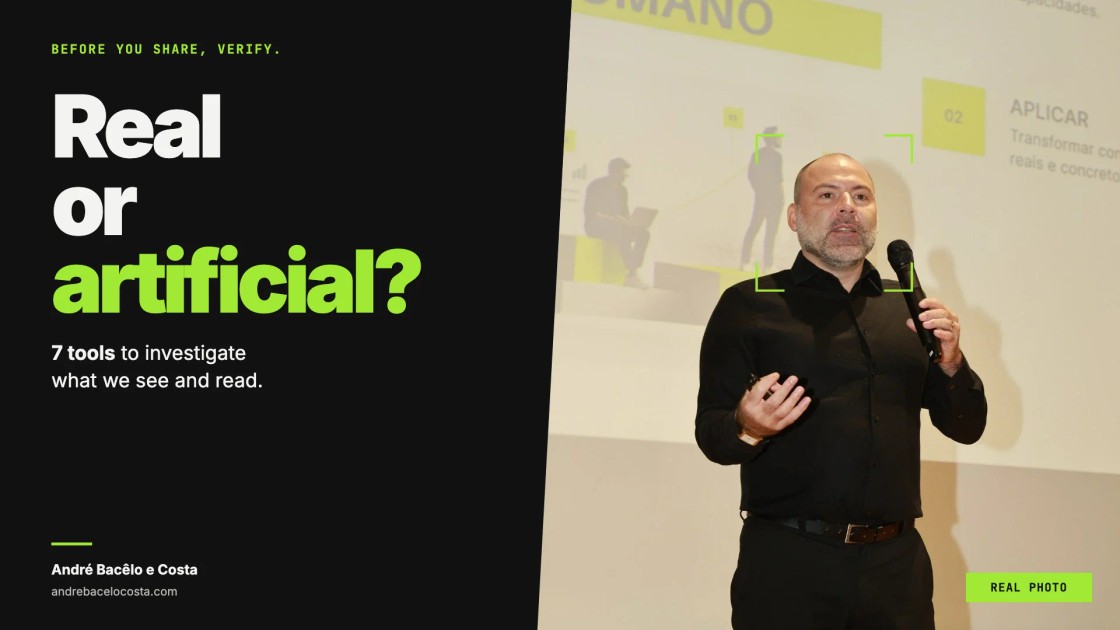
Can you tell an image created by Artificial Intelligence from a real photograph?
For a while, there was a fairly simple answer: look for hands with six fingers, warped lettering or details that made no sense. Those signs can still appear, but we can no longer rely on them. An image with no visible errors may have been generated by AI. And a real photograph may be used to tell a completely false story.
It is this second part that I think deserves more attention. We can spend a lot of time trying to work out how an image was created and forget to ask what it is actually showing.
The good news is that there are tools that help us investigate. I am sharing seven, with one concern in mind: understanding what each one is for and how far it can take us.
To look for signs of AI creation
1. SynthID
Google's SynthID can identify watermarks embedded in content generated with AI by compatible systems. These marks do not need to be visible to us.
It can be useful when we want to investigate where a piece of content came from. But it has an important limit: not finding a mark does not mean we are looking at a real photograph. The tool looks for one specific signal; some AI-generated content does not carry it.
2. Content Credentials
Content Credentials let us check provenance information when those credentials are present in the file, such as data about how it was created and the changes recorded.
It is a way of learning more about an image's history. We should not, however, mistake that record for a guarantee that the story told in the post is true. And the absence of credentials does not prove that the file was forged either.
3. Hive AI Detector
Hive provides tools to analyse images, video and audio for signs of synthetic content.
It can help raise a suspicion and decide what to investigate next. The result should be read as an estimate that is subject to error. A score, however convincing it may look, does not replace confirmation by other means.
4. GPTZero
GPTZero analyses patterns in a text to estimate whether AI was used in writing it.
Here, even more care is needed. A result may justify questions about the writing process, but it should not, on its own, be used to accuse a student, a colleague or an author. We need to look at the work, the sources and the explanation of the person who wrote it.
To find out where the content came from
5. Google Lens
Google Lens lets us search using an image. It can help find other pages where the same photograph appears, or similar images.
Imagine a post that presents a photograph as being from an event that happened today. Finding that image in an old news story immediately changes what we know about the post. Even so, we need to open the results and check dates and context.
6. TinEye
TinEye also does reverse image search. It lets us look for matches and sort the results, including by the oldest found.
That last part deserves attention: the oldest result the tool found is not necessarily the first time the image was published online. And finding no results does not prove that an image is original.
7. InVID-WeVerify
InVID-WeVerify brings together verification resources, including extracting frames from videos for analysis and search.
It is useful because a video can circulate with a new description, even though it was recorded at another time or place. Searching some of its frames can help recover that context. Some advanced features have restricted access.
Where to start?
I would start with the question we want to answer. If the doubt is about where a file came from, it makes sense to look for credentials, watermarks or other signs of AI creation. If the doubt is about the story that comes with an image, searching where it has appeared and looking for independent sources can be far more useful.
Then we have to accept that we will not always get an answer. When that happens, we can also simply not share it.
Access conditions for these tools vary and may change. Before building them into a work routine, it is worth checking the limits and features available on their official pages.
In a world where creating content has become so easy, knowing how to verify what we receive is part of our digital literacy. Tools help us search. The care we take with what we do next is still up to us.
Keep learning with me
If you found this guide useful, you can keep exploring the SuperHumano Academy IAteca, where I gather tools with explanations of what they do, when they can help and which limitations are worth knowing about.
And if you want to move from tools to practice, discover the Academy's courses and learning paths. The idea is the same one behind this article: learning to use technology with more autonomy and judgement.